

Vector vs Raster: Which File Format Do You Actually Need?
Most patch production problems don't start at the company floor — they start with the wrong artwork file.
After working directly with hundreds of screen-printing company owners, T-shirt makers, professional designers, wholesalers, and large-scale production houses, I can say this with confidence: choosing the correct file format will either streamline your orders or quietly increase your costs — and even risk losing customers.
It may seem like a small detail at first. It's not. In fact, it's one of the most crucial things to understand in the screen-printing business, especially if you're new and still learning the ropes.
If you own a screen-printing business, understanding vector vs raster artwork is not optional. It's critical.
Do You Need a Vector File for Embroidery?
In most cases, yes.
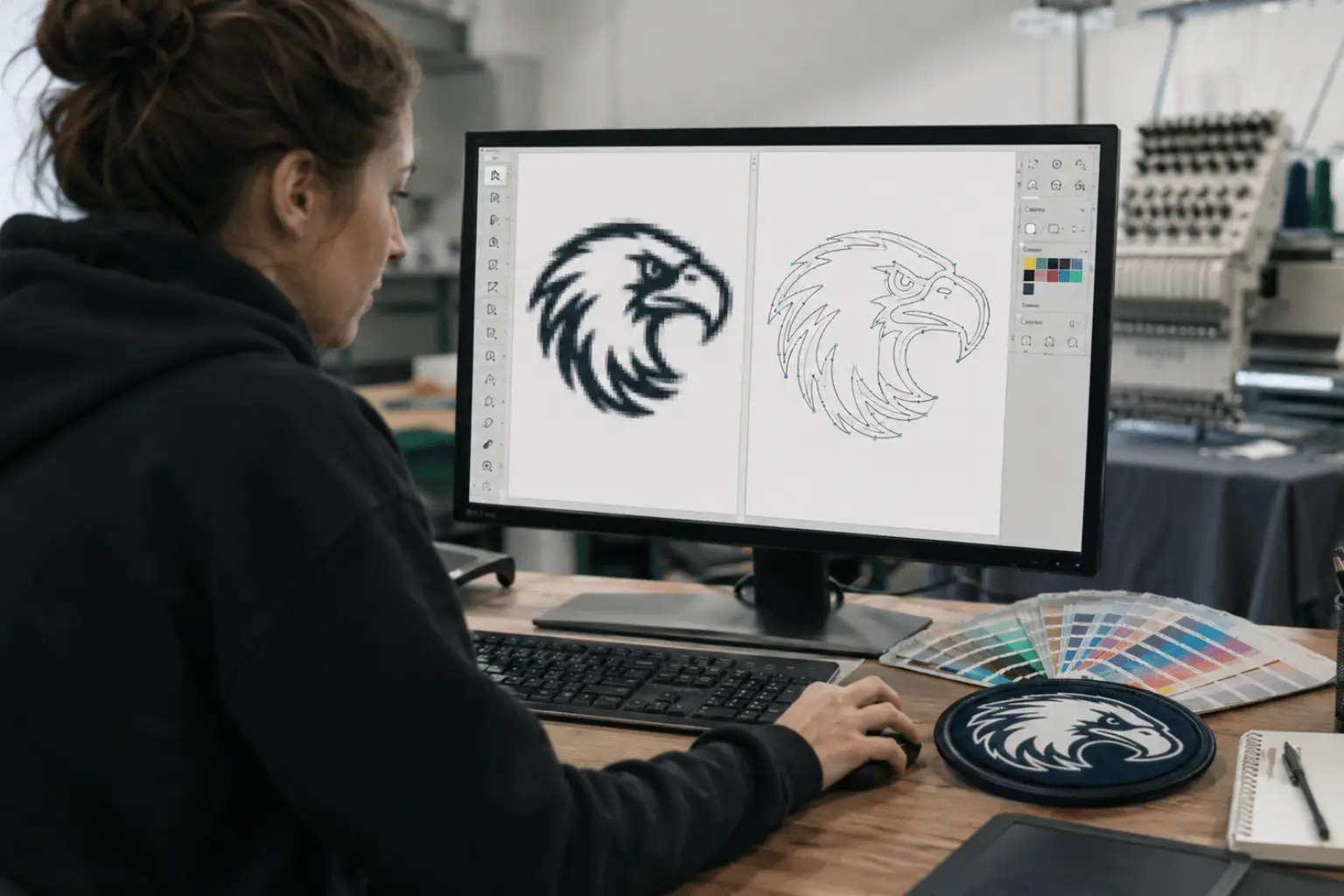
Embroidery machines don't read pictures. They read stitch paths — angles, stitch density, underlay, and clean borders. And those stitch paths are built from proper vector artwork.
When clients send low-resolution JPGs, screenshots, or compressed WhatsApp files, we usually have to rebuild the logo before digitizing even begins. But we don't make that a headache for our customers. Our designers fix and prepare the artwork properly before it goes to the digitizing team.
It's part of how we handle things professionally. Still, extra artwork means more setup time, possible added costs, and sometimes small design compromises that could have been avoided with the right file from the start.
Vector vs Raster:
What's the Technical Difference?
Raster Files (JPG, PNG, PSD)
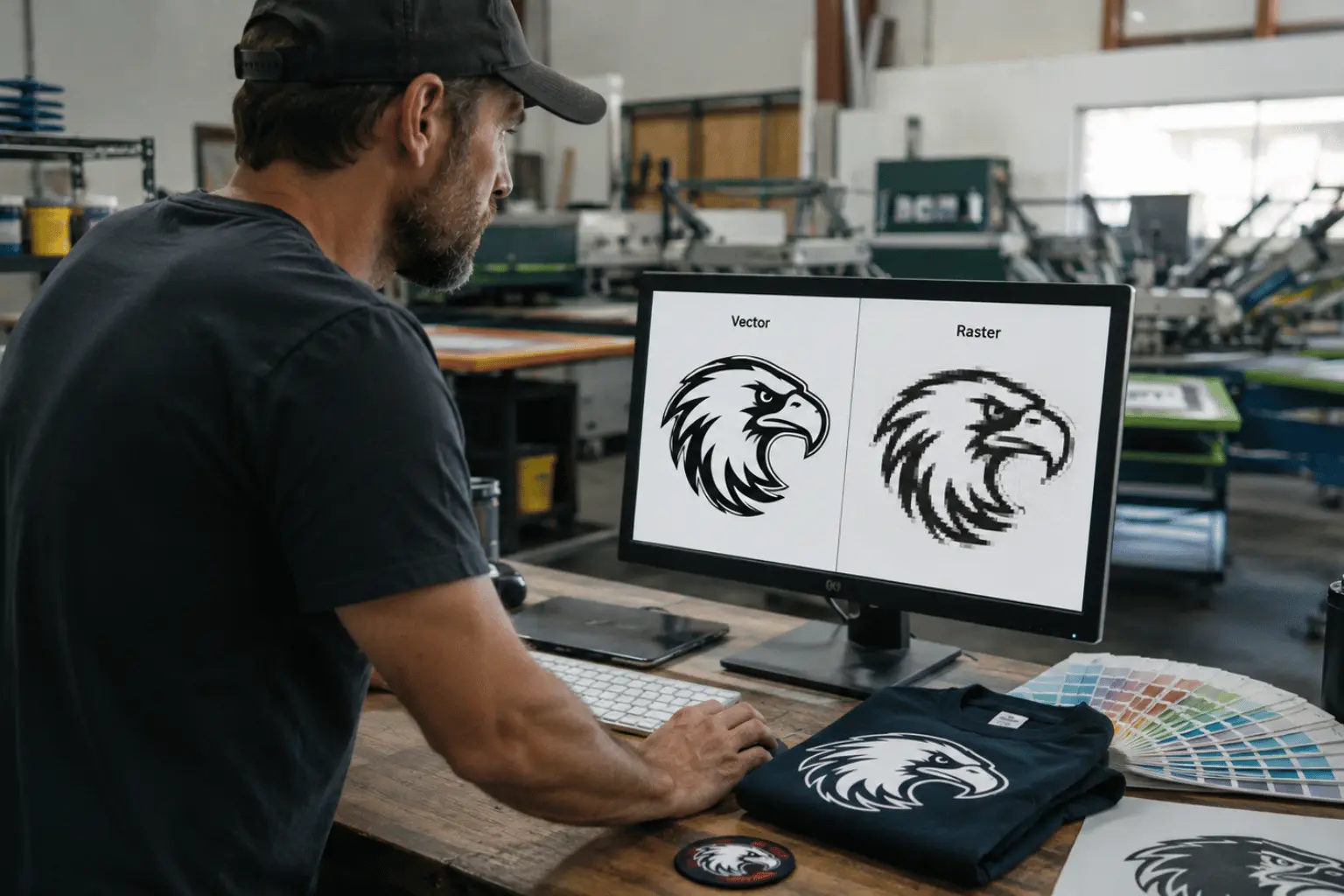
Raster images are made of pixels. When enlarged, they blur. Edges lose sharpness. Lines soften.
Raster files can work for:
- Sublimated patches
- Photo-based designs
- DTG printing
If raster must be used for printing, it should be at least 300 DPI at final size — never enlarged from a small original.
Vector Files (AI, EPS, SVG, Vector PDF)
Vector artwork is built from mathematical paths. It scales infinitely without losing quality.
Vector files are ideal for:
- Embroidery patches
- Screen printing
- PVC patches
- Woven labels
- Chenille outlines
- Leather patch stamping
If sharp borders and consistent production matter to you, vector artwork is the safest option.
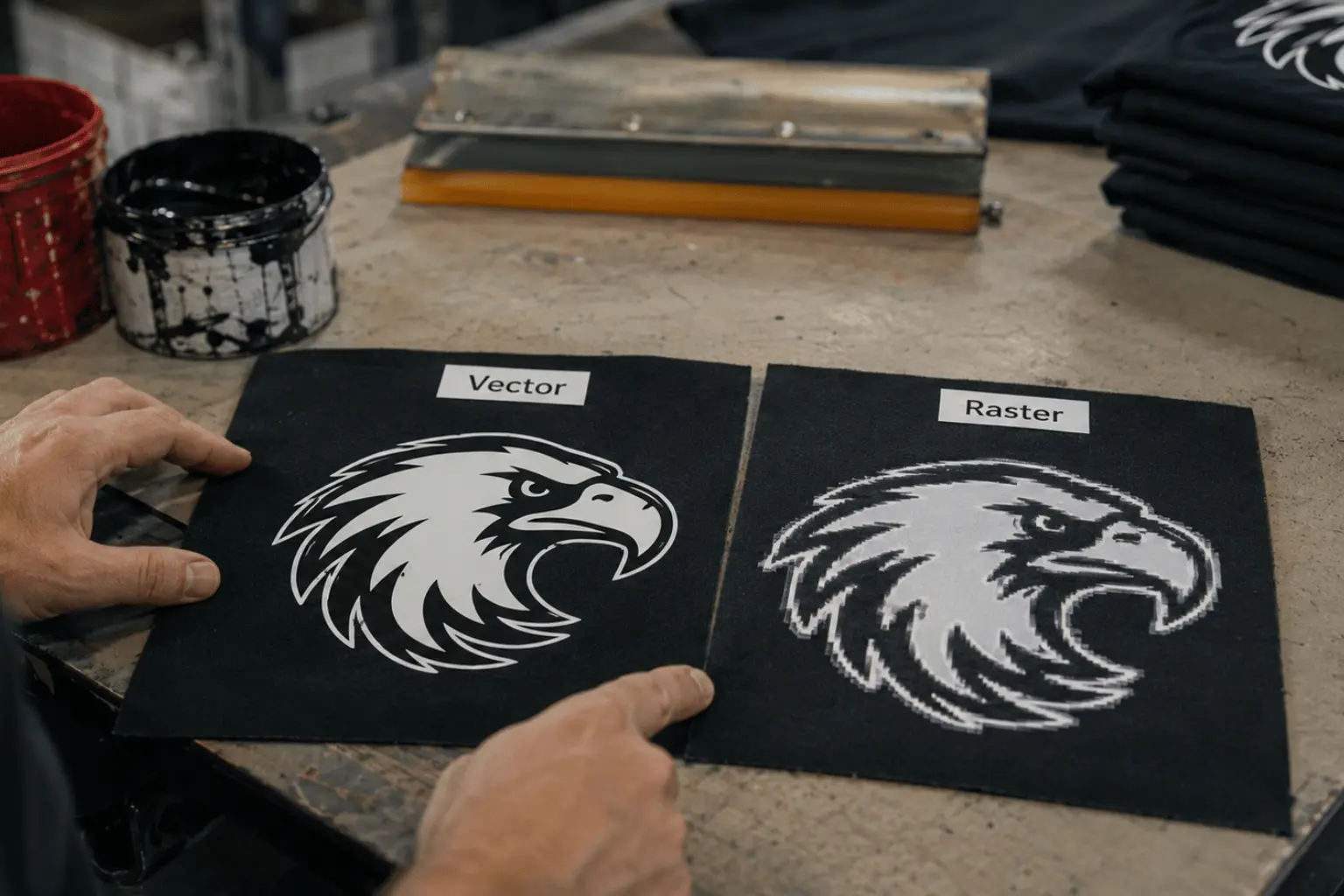
What Happens If You Send a JPG for Embroidery?
Here's a common scenario: a client pulls a logo from their website at 72 DPI. On screen, it looks fine. But once we scale it to a 4-inch left chest patch, it turns into a blurry mess.
At that point, we either attempt we do not apply auto trace because it often creates jagged outlines. We always get the design done from our vector artists' team before digitizing them. It really helps to achieve great customer satisfaction and outstanding results.
Production Details Most Blogs Don't Mention
These are real things that happen in screen printing — not theory, but what we see in production:
- Thin lines disappear. If lines are too small, they either fill in with ink or fade after washing.
- Tiny dots don't always print clean. Very small halftone dots can close up under pressure, especially on fabric.
- Colors can shift slightly. Even automatic machines have small movement. That's why artwork must be prepared properly to prevent color shadows.
- Too much detail gets lost. Fine details don't print well on certain fabrics or mesh types.
- White outlines can show on dark shirts. If artwork isn't prepared correctly, you'll see unwanted edges around the design.
- Heavy ink hides small details. Thick prints last longer, but they can swallow tiny artwork elements.
- Vector files make color separation easier. That means cleaner prints and fewer mistakes.
- Soft-edged images print muddy. Clean vector lines always produce sharper results.
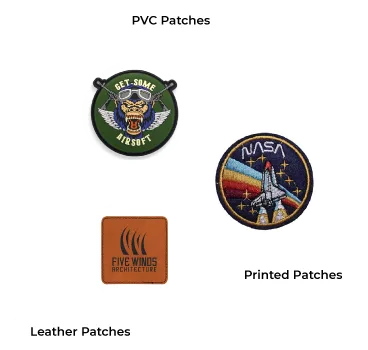
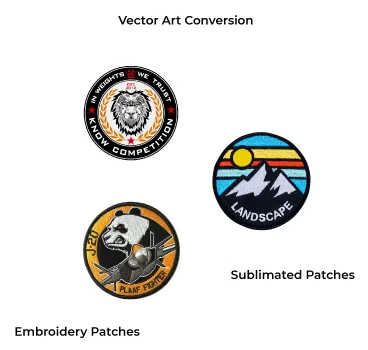
Best File Format by Patch Type
- Embroidered patches → Vector required
- PVC patches → Vector required
- Screen printed patches → Vector preferred
- Sublimated patches → High-resolution raster (300 DPI)
- Photo patches → High-resolution raster
When in doubt, send both vector and high-resolution raster files.